

Kimi K3
Frontier-class reasoning
Chat readyMaciPhone
Mac: macOS 15 or later on Apple silicon, and it updates itself. iPhone: through TestFlight, iPhone 15 Pro or later on iOS 18.
- Download Minirun
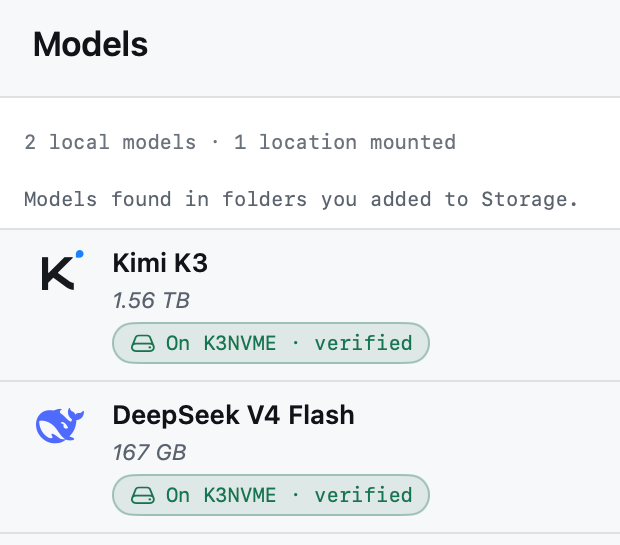
- Models > Find Models — pick Kimi K3
- Verify all files
- New chat
About
Moonshot AI's sparse mixture-of-experts model, packaged so Minirun can stream it straight off your SSD. It is the largest model the app can hold a conversation with.
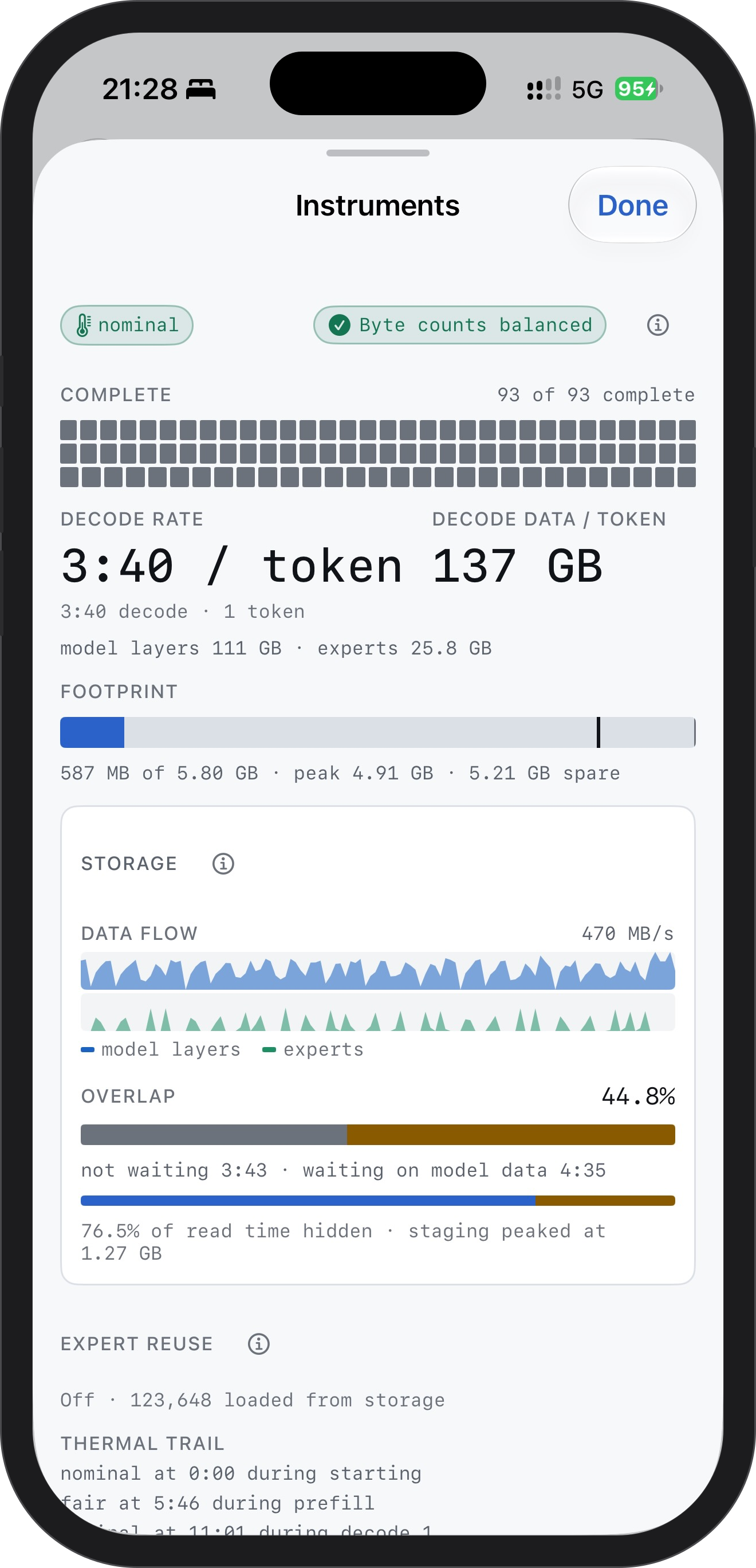
On an iPhone 16 Pro it runs at a 5.8 GB budget and answers a couple of words per turn today; longer replies are coming. On a Mac it holds a full conversation.
What you need
About 8.0 GB of memory on Mac, 5.8 GB on iPhone 16 Pro, and 1.56 TB free on your SSD.
Model requirementsTechnical details
- Stored precision
- MXFP4 experts · BF16/F32 dense
- Container size
- 1.56 TB
- License
- Kimi K3 License
- Repository
- nanguoyu/Kimi-K3-minirun
- Source model
- moonshotai/Kimi-K3