Two views, two questions
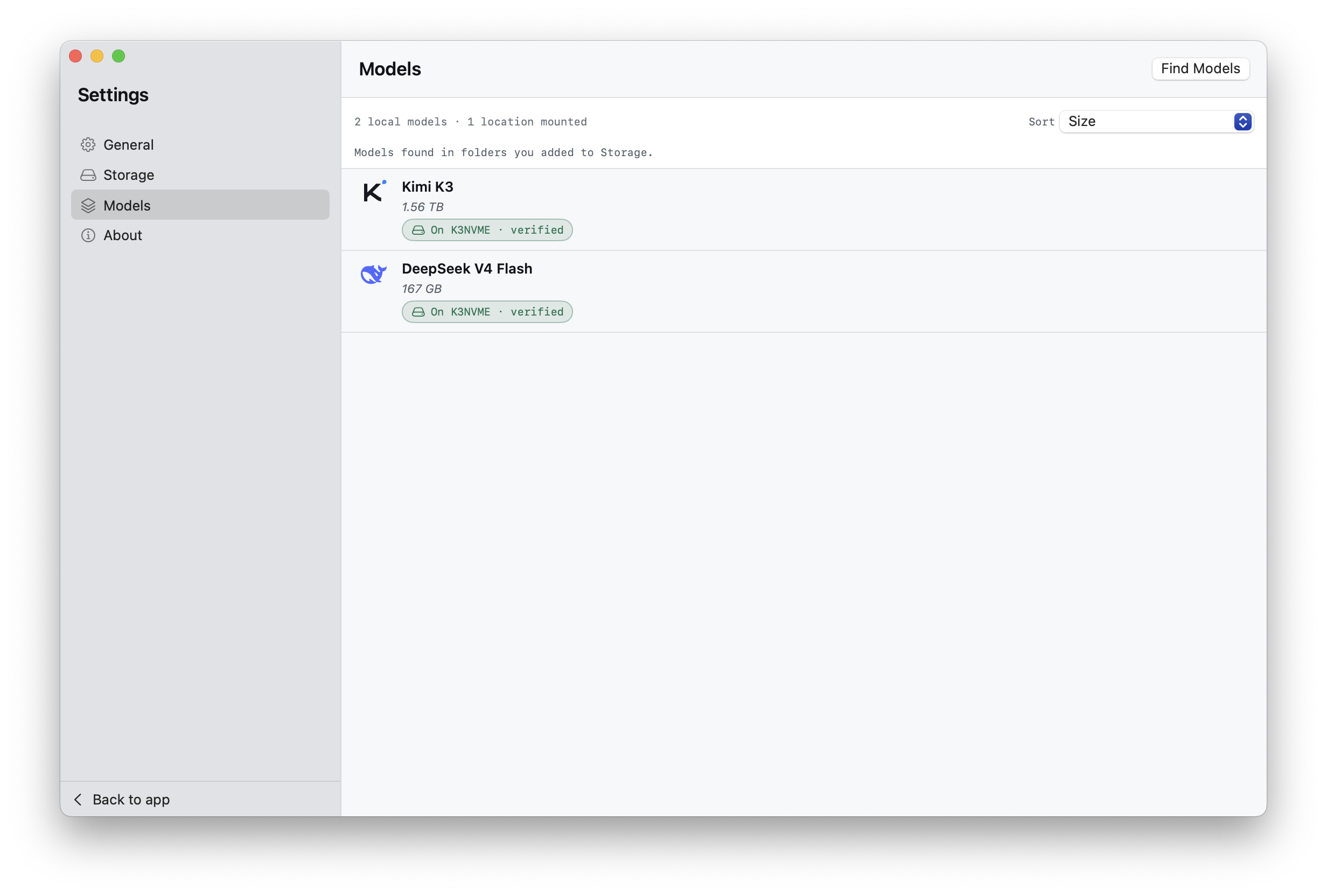
The Models screen is a local library. It lists Minirun containers discovered in storage locations you selected, including containers the current app can store and verify but cannot yet run. Find Models is a remote browser for matching repositories currently published on Hugging Face.
Keeping these views separate prevents a remote listing from pretending to be installed and prevents a local, unsupported container from disappearing. A third, narrower list appears in Chat settings: only fully verified models with a compatible runtime on the current device.
- Models
- Local containers found inside registered storage locations.
- Find Models
- Matching Minirun repositories returned by the current Hugging Face catalog.
- Chat model picker
- Fully verified local models that the installed runtime can execute here.
Read a model row
A local row combines facts from the container and the current device: measured size on disk, storage location, verification state, minimum budget when known, and product support. Open the row for local-copy actions and a clearer explanation of any unavailable state.
Published model details describe upstream architecture, parameter count, precision, and the container's relationship to its source. They do not turn a public benchmark into a promise about your device. Local run history and Instruments are the appropriate sources for local behavior.
Download a published container
Open Find Models and select the entire row. A complete publication offers Download; an empty draft or unsupported repository can still be inspected without presenting a transfer that cannot succeed.
- Review the publication
Check its container size, model family, and current support status.
- Choose Download
Select a writable destination through the system picker. Minirun checks the plan and available capacity before transfer work begins.
- Manage the transfer
Pause preserves resumable work. Resume reopens and revalidates the saved destination. Cancel ends the job according to the action you choose.
- Use the finished copy
The completed transfer is verified and then appears in the local library. Chat still requires a supported runtime.
Transfers survive relaunch
Download jobs keep their own destination permission and saved state. They remain visible across launches, but Minirun does not silently restart network activity. A paused job waits for you to resume it.
The remote catalog can change independently of your local bytes. Opening an existing verified model for chat does not require downloading its listing before every message. Refresh Find Models when you want current publications or updates.
The local library