Start with a runnable model
New Chat uses the defaults from General settings, but the conversation keeps its own model, memory budget, and supported generation choices after it is created. The model menu deliberately omits remote-only, unverified, unmounted, and unsupported containers.
If the menu is empty, open Models for the local copy's verification and support state. Opening Find Models alone does not make a repository runnable.
Set the memory plan
The Memory Dial is part of the run request. The floor is the smallest model-specific budget that can make progress; the device limit preserves system headroom. A higher setting can change residency, staging, or cache capacity according to the selected runtime.
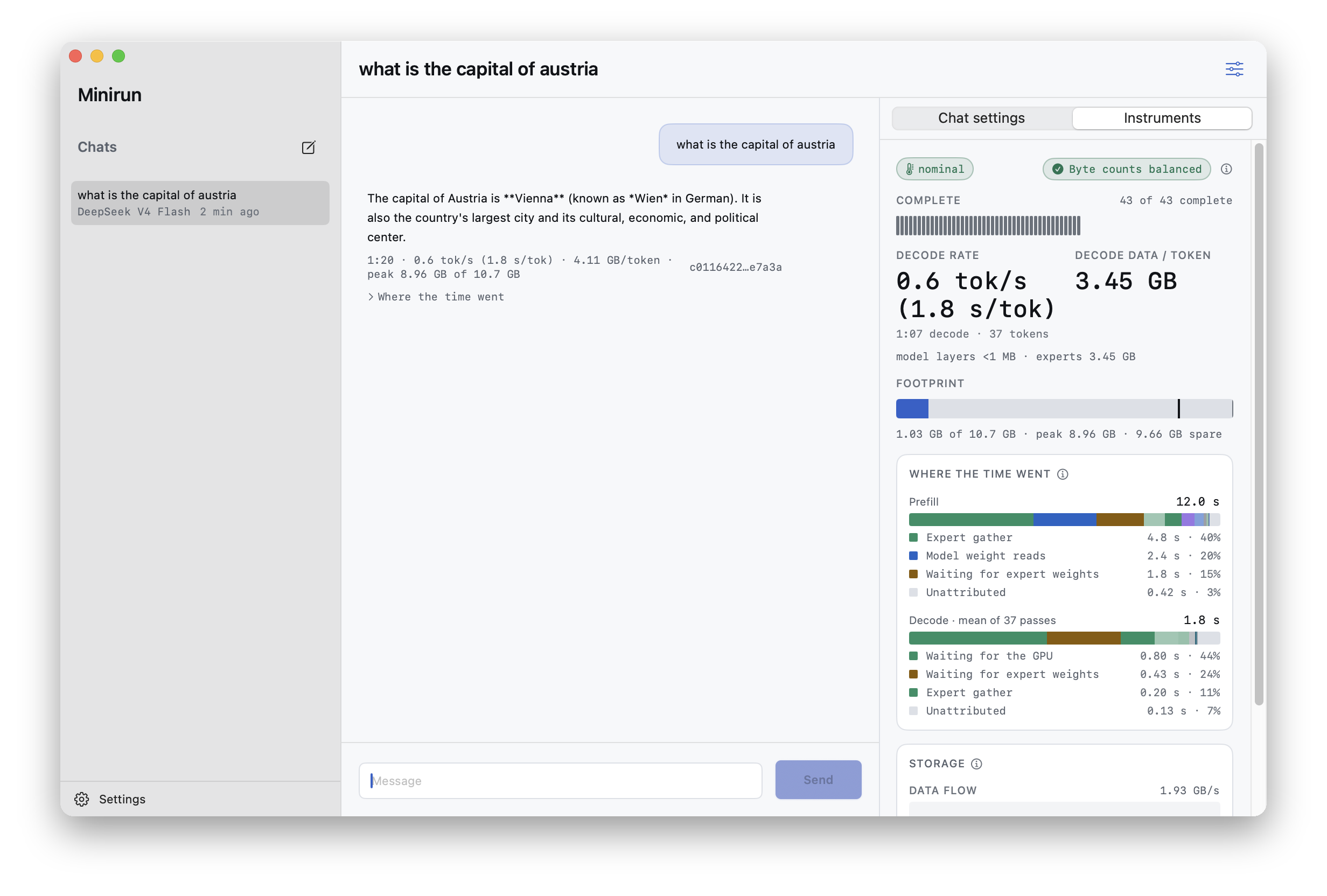
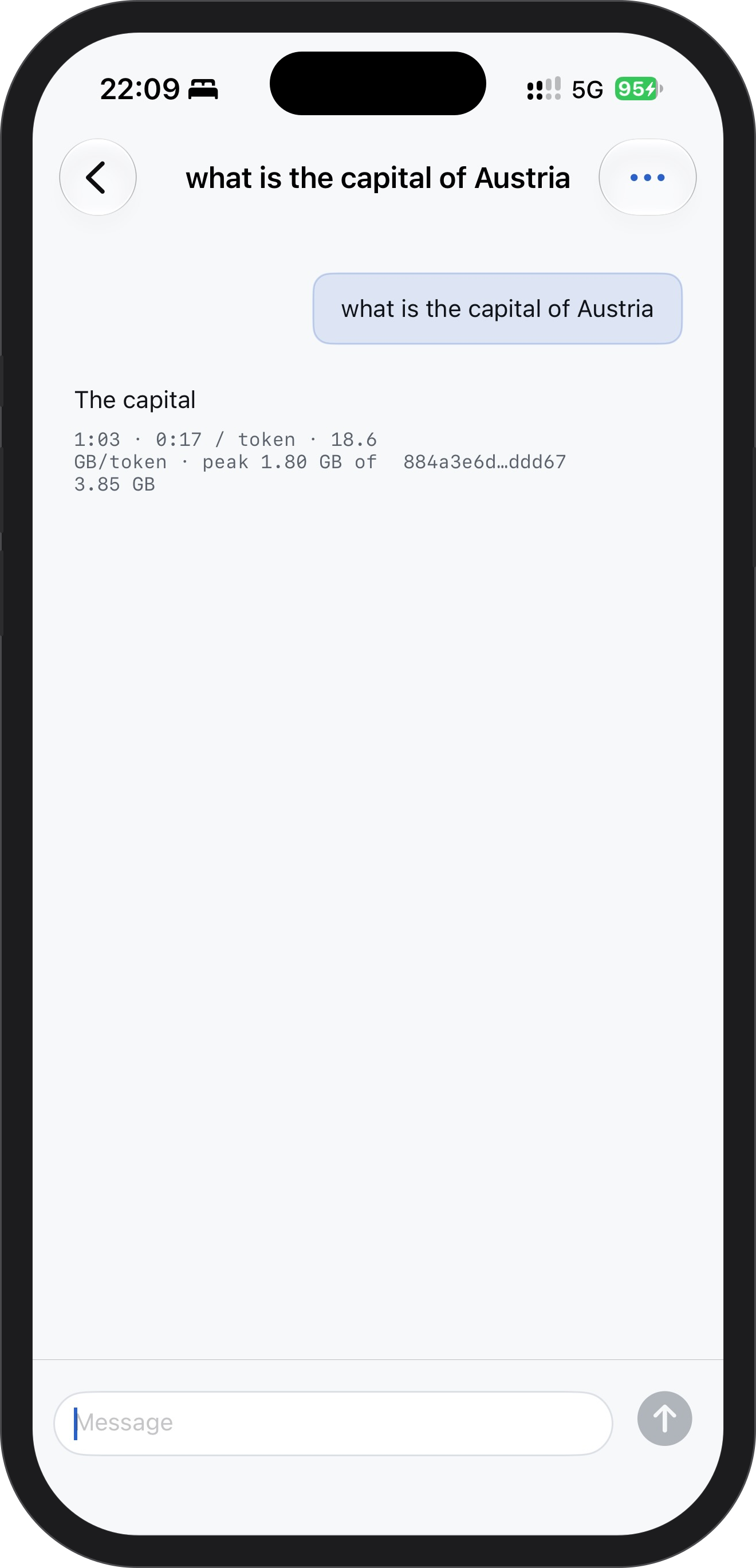
A conversation also has a token ceiling for one turn: 64 new tokens for K3 on a Mac and for DeepSeek V4 and V4.1, and two new tokens on the experimental iPhone K3 tier. A reply that stops at the ceiling has not failed.
Generate and stop
Send a message to begin a local run. Text is appended as the runtime emits tokens. Stop requests cancellation of the active run, preserves text already emitted, and waits for the runtime to tear down its run-owned storage and memory state before returning to idle.
Keep the model drive mounted until the run is idle. Removing storage mid-run is an error, not a supported way to pause or cancel generation.
History stays local
Conversation text is saved in Minirun's private application data on the device. Model containers can live in a separate selected folder or SSD. Removing a model location does not erase conversation history, but that conversation cannot run again until a compatible verified model is available.
The conversation surface